Segmentation
Overview
Segmentation allows you to group and organize your Kanban view by Project, Team, or Query. This makes it easier to understand where work is coming from, compare sources, and quickly navigate between different scopes of work.
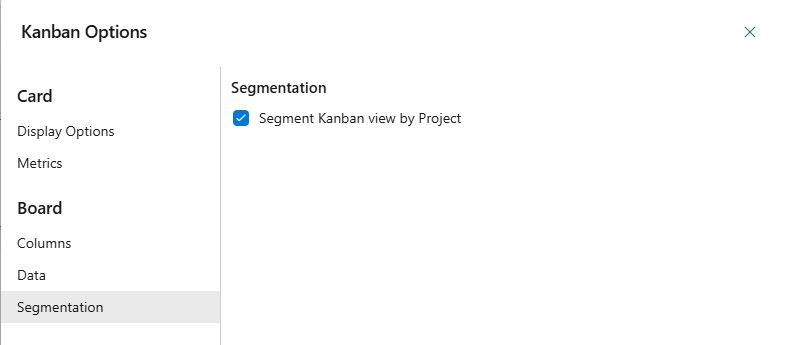
Segment Kanban View
Group your Kanban view by the source of work, such as Projects, Teams, or Queries.
- Enable Segmentation (Default: On): Displays the Project (Green), Team (Blue), or Query (Purple) as a card on the left side of the Kanban view. Disabling this option hides the segmentation and shows a unified board view.